The iPad Pro 13 M4 and MacBook Air 13 M4 sit close in price and share Apple's M4 chip, which is exactly why buyers keep asking which one to get instead of assuming the answer. Owner data in this pack is thin — just two mentions for the iPad Pro and none yet logged for the MacBook Air — so this comparison leans on ClearPick's verified specs, subscores, and pros/cons rather than a large quote sample. What separates the two isn't raw capability; it's whether your daily work runs in iPadOS apps or needs a full desktop operating system, a file system, and a keyboard built in.
Best For
| Apple iPad Pro 13-inch | Apple MacBook Air 13-… | |
|---|---|---|
| Stylus & drawing work | ✓ Only option | — |
| Display quality | ✓ 9.8/10 | 9.0/10 |
| Desktop apps & file system | — | ✓ Full macOS |
| Battery life | 9.2/10 | ✓ 9.5/10 |
| Real-world total cost | — | ✓ Cheaper, no add-ons needed |
Creative work: stylus and display
The iPad Pro's clearest advantage is creative, stylus-driven work. Its tandem OLED display is rated 9.8 out of 10 on ClearPick's Display subscore, built from two stacked OLED panels that hit 1,000 nits sustained brightness without the usual OLED brightness trade-off — genuinely uncommon at any price. Paired with Apple Pencil Pro, that display makes the iPad Pro the only device of the two built for direct stylus input: drawing, illustration, annotation, and design work that has no MacBook Air equivalent. The MacBook Air has no stylus support at all, so for anyone whose work depends on pen-on-screen input, the comparison isn't close. The M4 chip inside the iPad Pro is also rated laptop-class on ClearPick's Performance subscore (9.8 of 10), so the display and pencil advantage doesn't come at the cost of raw speed.
Full desktop software vs iPadOS limits
The MacBook Air's advantage is just as clear once the work requires a full desktop operating system. It runs complete macOS: unrestricted file management, full-featured desktop browsers, terminal access, and professional software with no iPadOS equivalent. The iPad Pro's own listed cons acknowledge this directly — despite laptop-class M4 hardware, iPadOS's app and windowing limitations mean it can't fully replace a MacBook for many professional workflows. For typing-heavy work — writing, coding, spreadsheets, project management — the MacBook Air's built-in keyboard is also a meaningful, uncontested advantage over any add-on iPad keyboard. Its own pros note the same M4 chip runs video editing and heavy multitasking without thermal throttling in a fanless chassis, so there's no performance penalty for choosing the format built around a keyboard and trackpad.
Accessory costs and real total price
Accessory costs change the price comparison substantially. The iPad Pro's base price is $1,599 CAD, but its own cons list Apple Pencil Pro ($149) and the Magic Keyboard ($479) as add-ons that push the real cost past $2,200 CAD for anyone who wants laptop-like typing and stylus input together. The MacBook Air starts at $1,299 CAD and needs no equivalent add-on to function as a complete computer, though its own cons note it ships with only two Thunderbolt 4 ports and no HDMI or SD slot, so a hub adds roughly $50–100 CAD for most desk setups. Even accounting for that hub, the MacBook Air stays meaningfully cheaper than a fully accessorized iPad Pro, and the Value subscore reflects it: 8.8 out of 10 for the MacBook Air against 8.0 for the iPad Pro.
Battery life and everyday portability
Battery life favors the MacBook Air on paper, though both are strong. The MacBook Air's Battery Life subscore is 9.5 out of 10, backed by a pros entry citing 18-hour real-world battery life that beats competing Windows ultrabooks by 4–6 hours, all in a fanless chassis. The iPad Pro's Battery Life subscore is close behind at 9.2. Neither is a weak point; the gap here is smaller than the gap in software capability or stylus support covered above, and either device should comfortably cover a full workday away from a charger.
Who It’s For
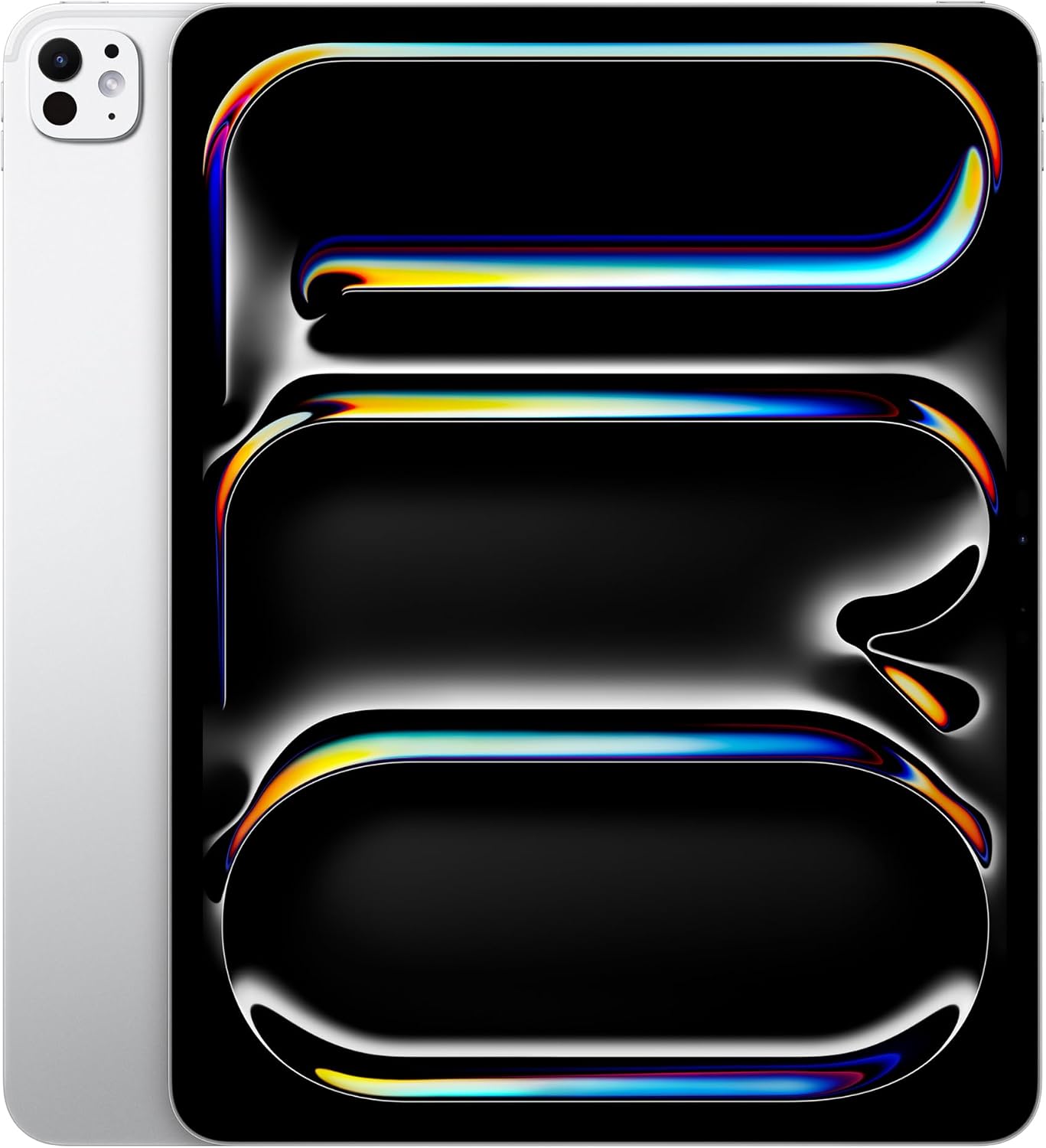
Stylus-driven creative work and media consumption are where its display and Apple Pencil Pro have no MacBook equivalent.
See review →
File management, desktop browsers, coding, and pro software with no iPadOS version all point to macOS — at a lower total cost.
See review →On ClearPick's scores the two are nearly tied — 9.5 for the iPad Pro, 9.4 for the MacBook Air — which confirms this isn't a quality gap, it's a workflow question. Buy the iPad Pro if your work or hobby genuinely uses a stylus, or if you mainly consume media and want the best display available on either device. Buy the MacBook Air if your daily tasks need a full desktop OS, a keyboard, unrestricted file access, or software with no iPadOS equivalent — and if you'd rather not add $600+ CAD in accessories to get there. Owners who already own a Mac and want a second, more mobile device for stylus-specific work are the clearest case for owning both; everyone else should pick based on which operating system their actual daily apps run on, not on the identical chip inside. With the owner-mention sample this thin, that spec-and-subscore-based reasoning is the more reliable guide here than sentiment alone.