Access isn't available online like word and Excel are. You have to download the access app and use it in Windows. Somewhere in the Microsoft 365 screens for your account they give you the option to download applications.
Mention
Microsoft 365 Family is the best-value subscription in Canadian software — up to 6 people each get the full desktop Office suite (Word, Excel, PowerPoint, Outlook, OneNote, Teams), their own 1 TB of OneDrive storage, Microsoft Defender security, and Copilot AI, all for around $120 per year total. That works out to $20 per person annually for software that would cost hundreds individually. Parental controls and family safety tools add an extra layer for households with kids.
5 mentions · 4 threadslast mention Dec 2024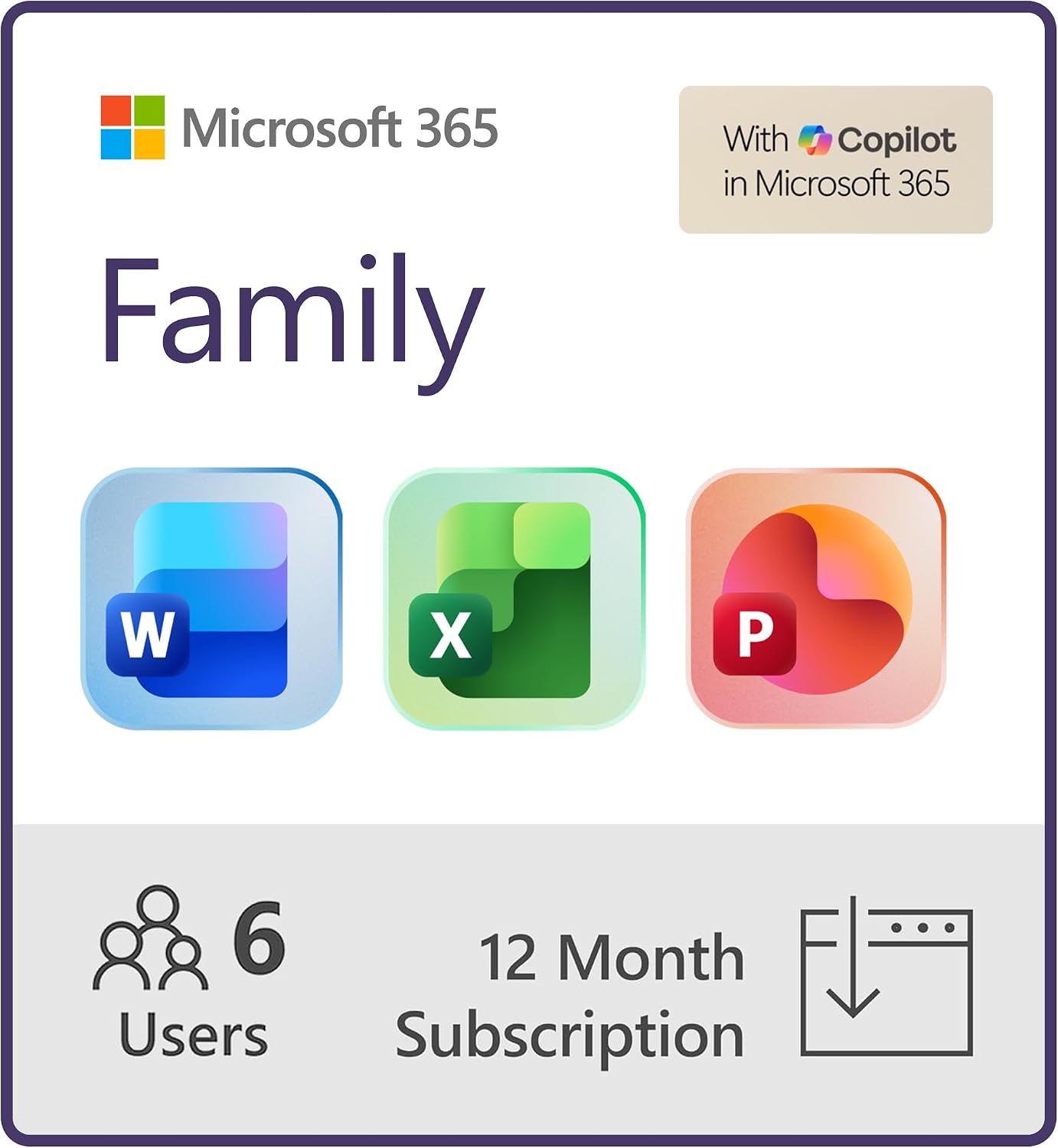
Real comments from Reddit, linked to the original thread. Nothing paraphrased.
Access isn't available online like word and Excel are. You have to download the access app and use it in Windows. Somewhere in the Microsoft 365 screens for your account they give you the option to download applications.
Email aliases, Multiple domains, SharePoint site, Proper teams and SharePoint groups ... I think there also other business only features like power automate, whiteboard etc
I don't fully understand the differences in functions between the Family subscript vs. Business Standard. I need to choose a MS 365 subscription to use with my writing partner, and I *think* the Family option will work fine for us
My thought right now is to use a big USB external to cover what will fit on that, which should be the important stuff. That will give an onsite backup. Then I'm going to use multiple Microsoft 365 Family accounts to get several TB of storage and have Synology encrypt it on the way up.
Had a customer who paid for 14 year for the personal Microsoft 365 Family Subscription and he put 14 years worth of files on OneDrive...and it is all gone. Contacted email only personal Microsoft 365 support, they gave me useless templated responses via email and then closed the ticket on me.
Microsoft 365 Family gets a mixed real-world read (2 positive, 1 mixed, 2 negative among 5 mentions), with the most serious complaint about a customer support failure rather than the software itself: one user reports losing 14 years of OneDrive files with only templated support responses and a closed ticket, a red flag worth taking seriously for anyone relying on it as a sole backup. On the feature side, users appreciate the storage value from combining multiple Family accounts and find everyday apps straightforward, but the Family tier clearly lacks business features like SharePoint, email aliases, and Power Automate, and comparison shoppers report genuine confusion about which tier fits collaborative work. Good value for everyday household Office use and extra cloud storage; don't treat OneDrive as your only backup, and choose Business Standard instead if you need SharePoint or other collaboration features.