At this price point you're either picking 4k 60 or 1440 144/165. IMO 1440 is better. 4K dot pitch is overkill at 27". 1440 looks great at 27", easier to drive, much better high frame rate options.
Comparison
The LG 27UK850-W (ASIN B07YDQHFNH) is a 27-inch 4K UHD IPS monitor with USB-C 60W Power Delivery, HDR10, and 99% sRGB coverage, available on Amazon.ca at around $399 CAD.
10 mentions · 6 threadslast mention Jul 2022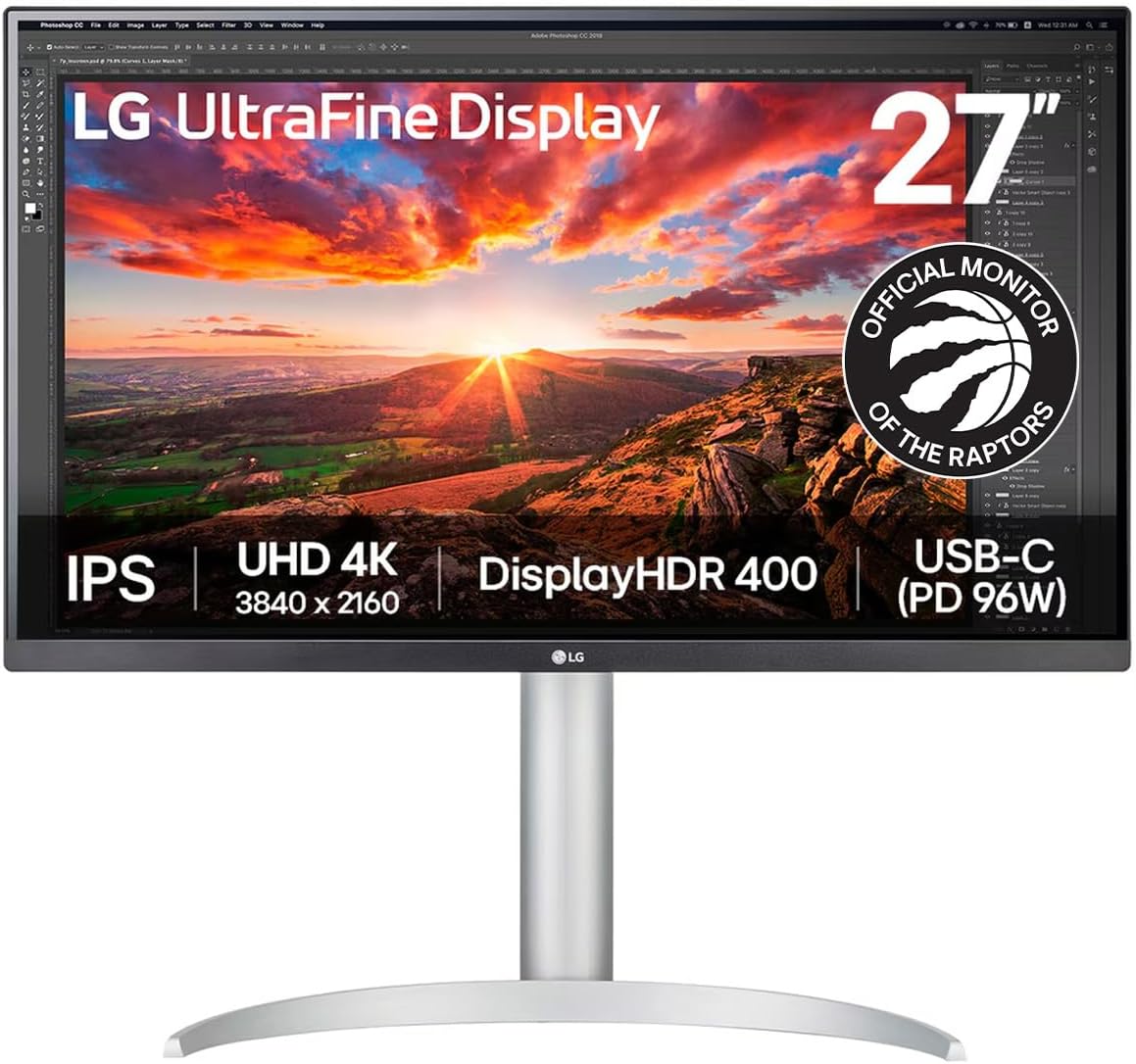
Real comments from Reddit, linked to the original thread. Nothing paraphrased.
At this price point you're either picking 4k 60 or 1440 144/165. IMO 1440 is better. 4K dot pitch is overkill at 27". 1440 looks great at 27", easier to drive, much better high frame rate options.
Can't really expect a 4k IPS 144hz monitor at this price though. For these specs you have to be looking at the GN950 which is over 1000$
I have both and returned the UL600 from best buy. The only differences (assuming the rumors that they use the same panel is true): 1- on the UL600, when you remove the stand to mount it via the VESA mount there is 3in metal piece that sticks out on the back of the monitor (the piece you attach the stand on). To me it was an eye sore but that is only a personal preference. 2- UK850 - better stand and USB-C. 3- **This is from my experience only**: I think the 600 is a lower grade panel. It might be the same panel but I don't think it's the same grade.
I've purchased several versions of the LG 4K monitors to compare. I'd go with the UL series (2019 monitors) vs the UK series (2018). The 2019 are brighter and have more options within the LG software. Note you can usually save cash (and get a longer warranty at that) by going with the business models.
I've used the 650 model which is nearly the same for the last year on my xbox one x. Great display, no complaints! That said I'm getting a PC now and wish I had a 144hz monitor, which I'm having to shop for.
Not true at all. for photo work, 4k helps noticeably with pixel peeping even on a 27" which is plenty big if you sit close to the screen
I use it for gaming and productivity, really no major complaints. You can see a little ghosting if you go to the test webpage but in games I've never see it, people say the HDR is meh but it's pretty good imo especially at the price point... Took a while to calibrate the color for me bc whites are very blue by default and I would have a hard time focusing on the screen sometimes, not exactly eye strain but it took some getting used to, everything was clear
Of note, USB-C on this guy does 60W charging and data pass through with 2 USB-ports on the rear. Excellent monitor to pair with a MacBook Pro. If going that route, macOS will automatically scale the monitor to 1080p for an ultra crisp, retina like experience.
IME, screen linearity is a problem on the larger screens. It's easier to get a 27" panel with consistent brightness and white balance. Gaming, no matter, but it's a problem for Photoshop work. 27/4K pixel density spoils you, especially with font rendering. 1440p and larger 4K screens aren't as compelling.
LG 27UK850-W 27" 4K: Barely used it, was my second display and never got much use aside from discord. Looking to get $350 local only
The LG 27UK850-W delivers solid 4K IPS performance for home office and productivity use at a competitive price in Canada. The USB-C connectivity is practical for ultrabook users, and the 99% sRGB accuracy handles general creative work without additional calibration. The stand limitations and 60W USB-C ceiling are genuine considerations for multi-monitor or high-power setups, but for a primary 4K monitor with single-cable laptop connectivity it's a proven and value-forward choice.